How To Turn On Instagram Two-Factor Authentication
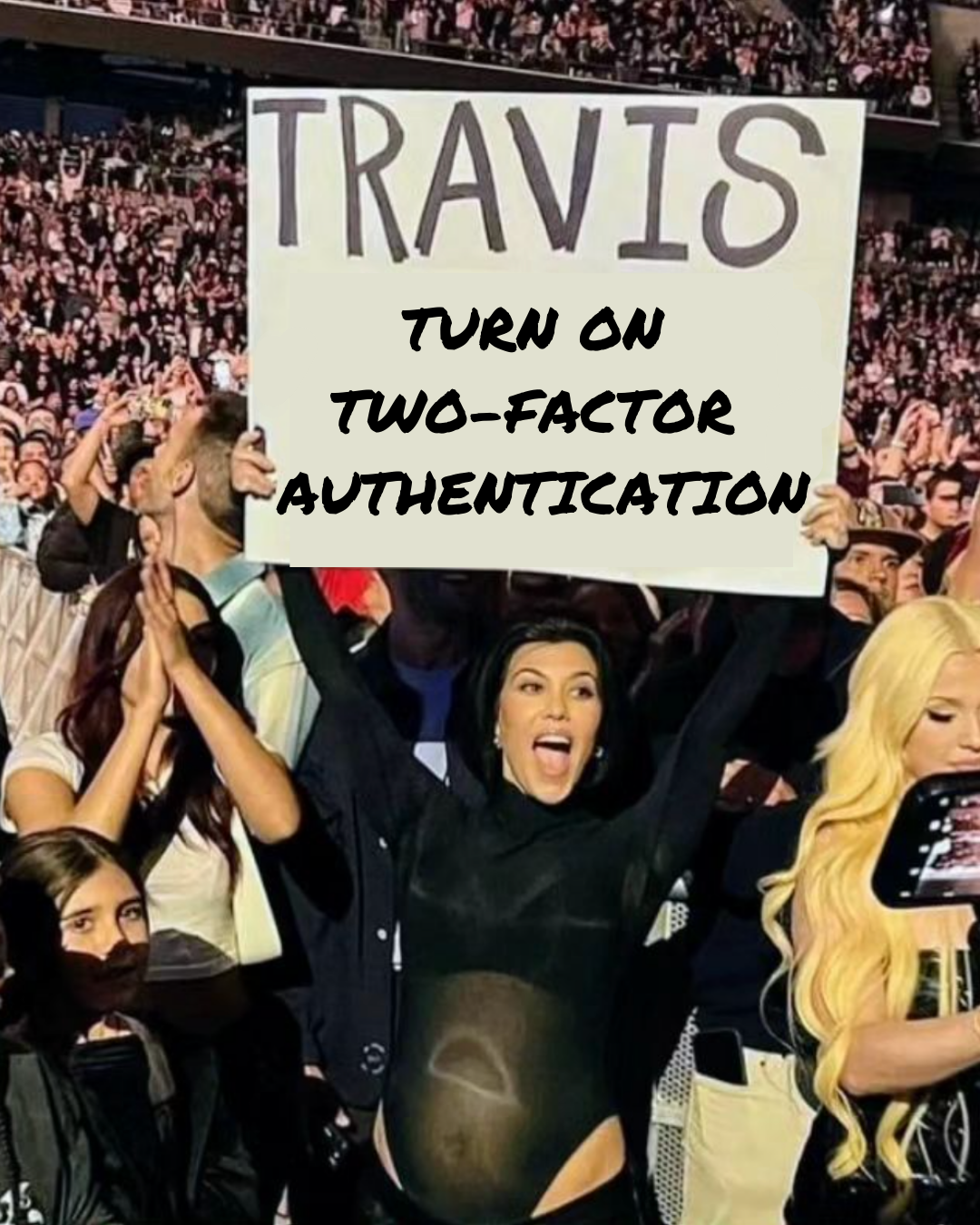
If I could give you ONE piece of Instagram advice it would be this…Turn on your two-factor authentication!
Why Should You Turn On Two-Factor Authentication?
Because it is SO important.
Instagram account hacking is still rife. In 2020, cyber crimes and hacking were responsible for $3.25 billion in revenue for cybercriminals.
Business owners are losing Instagram accounts that they have carefully nurtured for years in a matter of minutes and are having to start again from scratch. This is utterly devastating if your business relies on this audience for sales, not to mention the time and effort you have poured into building your audience.
So to avoid this happening to you, turn on your two-factor authentication.
What is Two-Factor Authentication?
Two-factor authentication protects your account by requiring a code if there's a login attempt from a device that Instagram doesn’t recognise.
This security feature protects your Instagram account and password. It takes minutes to set up and gives your account an extra level of security. Once set up, you’ll receive a notification or be asked to enter a unique login code when someone tries logging into your account from an unknown device.
How to Turn on Two-Factor Authentication
To turn on two-factor authentication from the Instagram app:
Click the 3 lines (top right corner of your Instagram profile)
Settings and Privacy
Accounts Centre
Password and Security
Two-factor Authentication
Choose Account & Get Started
Choose your preferred method and follow the on-screen instructions

Locate two-factor authentication set up in your Accounts Centre
When you set up two-factor authentication on Instagram, you'll be asked to choose one of three security methods:
Authentication app (recommended): Download an authentication app, such as Duo Mobile or Google Authenticator, to get login codes. This security method is recommended because you can add multiple devices connected to an account so that they can all get login codes. Note: Two-factor authentication through an authentication app can only be turned on using the Instagram app for Android and iPhone.
Text message: We'll send a login code to your mobile number.
WhatsApp: Turn on the text message security method first. Then, you can turn on the WhatsApp security method to get login codes from WhatsApp.
You'll need to have at least one of these set up in order to use two-factor authentication.
What Happens After Two-Factor Authentication Is Set Up?
After you've turned on two-factor authentication, you'll be able to see login requests and remove trusted devices. If you lose access to your phone or email address and are unable to get login codes, you can use a backup code to log in.
Click here to learn more about login codes.
Additional Tips To Keep Your Instagram Account Safe
Other important things to note to avoid your Instagram account being hacked are:
Never click links sent via DM from accounts/people you don’t know or via emails that ‘look’ like they are sent from Instagram or Meta. If they look like dodgy links DO NOT click them! This is often how hackers get access to your account.
If Instagram need to get in touch with you they will only contact you from these two addresses @mail.instagram.com OR @facebookmail.com
If Instagram does email you they will always send a copy to your ‘Recent Emails’ folder on the Instagram app. Check this folder before clicking any links. To find this folder in the app go to Settings & Privacy > Accounts Centre > Password & Security > Recent Emails
Report. block and delete any account that sends you spammy DM’s
If you do think your Instagram account has been hacked visit this Instagram Help page and follow the steps.
Don’t share your password with any third-party apps
Pay for Meta Verified - This is a relatively new service that adds a blue tick to your profile. Your account will receive increased protection from impersonation and you will have access to Meta support. So if you are hacked you have direct contact with a Meta representative and will be more likely to get your account back.
🌟 Bonus Tip 🌟
For extra peace of mind, build your email list. You don’t own your Instagram account but you do own your email list so it’s always worth spending time growing your email list alongside your Instagram account too. Platforms such as Mailerlite and Mailchimp are great for small businesses.
I hope this helps!
PS. If you would like to learn more about how to use Instagram strategically for your business then check out the Instagram Growth Club, our 3-week, video-based course that shows you everything you need to know to use Instagram confidently. You’ll learn how to build your community. brand awareness and increase those all-important sales, all in 3 weeks!
Our next cohort starts soon! We look forward to seeing you there.
Marielle x