
What are Instagram Notes?
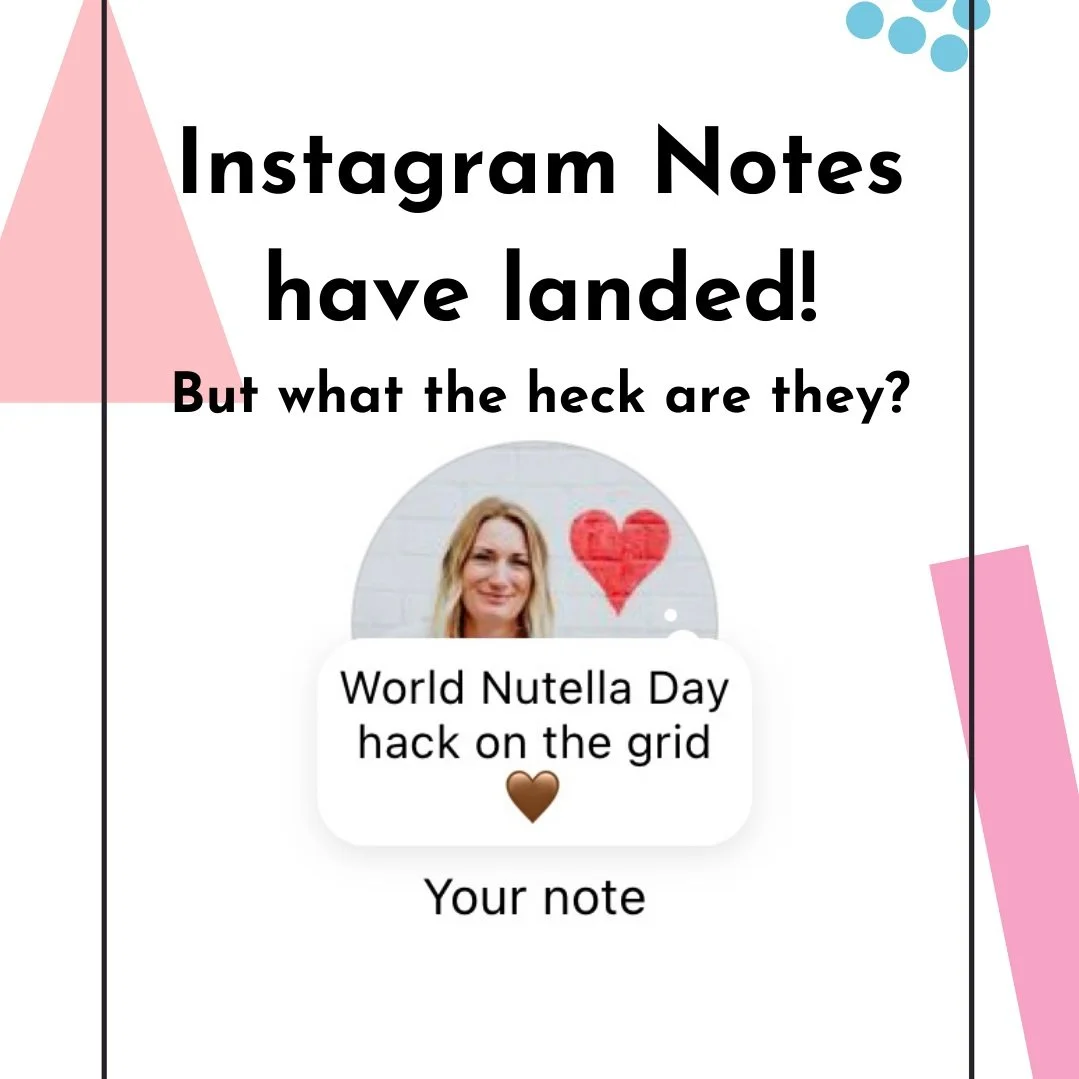
Big Insta news!
Instagram has launched its first big feature of the year...Notes. They arrived last week (Feb 2023) and they have already been adopted by users in a big way so far.
However, I also saw many users very confused by the new feature so here's a short blog to explain what Notes are and how you can use them to benefit your business.
What are Notes?
They are short text-based captions (a bit like mini tweets)
You can use up to 60 characters, so they are nice and short - we like short 😉
They require no images, no caption, and no hashtags - just a few cleverly chosen words/emojis that pack a punch
They last up to 24 hours and can be deleted/replaced at any time
They can only be viewed by people that follow you
Where can you find them?

How can you use them strategically?
3 ways you can use them strategically for your business include:
Use them as a conversation starter. When someone replies to your Note the reply drops into your DM's - great for breaking the ice and talking to more/new people.
Use them as a Call to Action - tell people what you would like them to do - reply with an emoji, check out your latest grid post/reel, or sign up for my free download/discount offer
Use them to promote an offer/product/service
See the below examples to see how accounts have been using them so far ⬇️

Alex @thejournalcorner used her Note to start conversations in her DM’s

Sarah @thecopywritersday used her Note to ask her audience to drop her an emoji into her DM’s

@eiramdesign used hers to promote new jewellery products in her shop
How to create a Note
Tap on the messages icon and head to your inbox
Tap the '+' icon on your profile picture
Write your Note in the text box provided
Choose who you want to share it with - your followers or just close friends
Publish
What if you still can’t see them?
You may not have the feature yet. Don't panic it's still rolling out.
Sit tight and they will arrive soon on your account. One thing you can do in the meantime is check you have the latest version of the Instagram app installed on your phone. Not sure how to do this - click here for instructions.
Overall they will be great for pointing your audience towards any products/services you are promoting so remember to use the Notes feature if you have something new going on.
I hope that helps and if you have any further questions feel free to get in touch - pop a comment below or DM me on Instagram and I will drop you a reply as soon as I can.
Marielle x