
The Dos and Dont’s of Instagram Reels
Reels have been on the Instagram scene for a while now. While some Instagram users have injected them heavily into their strategy, others have steered well clear. In this blog, I will give you some basic reel guidelines so you can go forth and start creating reels with confidence.
What Are Reels?
Let’s begin with a bit of background on reels.
Reels arrived on the Instagram platform in August 2020. They are Instagram’s answer to (copy of) TikTok.
A few reels basics:
Short-form video - a reel can be up to 90 seconds long.
Audio can be added - can choose a track from Instagram’s music library, a soundbite or add your own audio or voiceover.
Reels can be shared to a user’s feed, reels tab and the explore page.
Once published, you can find them on your profile on the reels tab (shown in the image below)
Reels can now be shared on your businesses Facebook page too
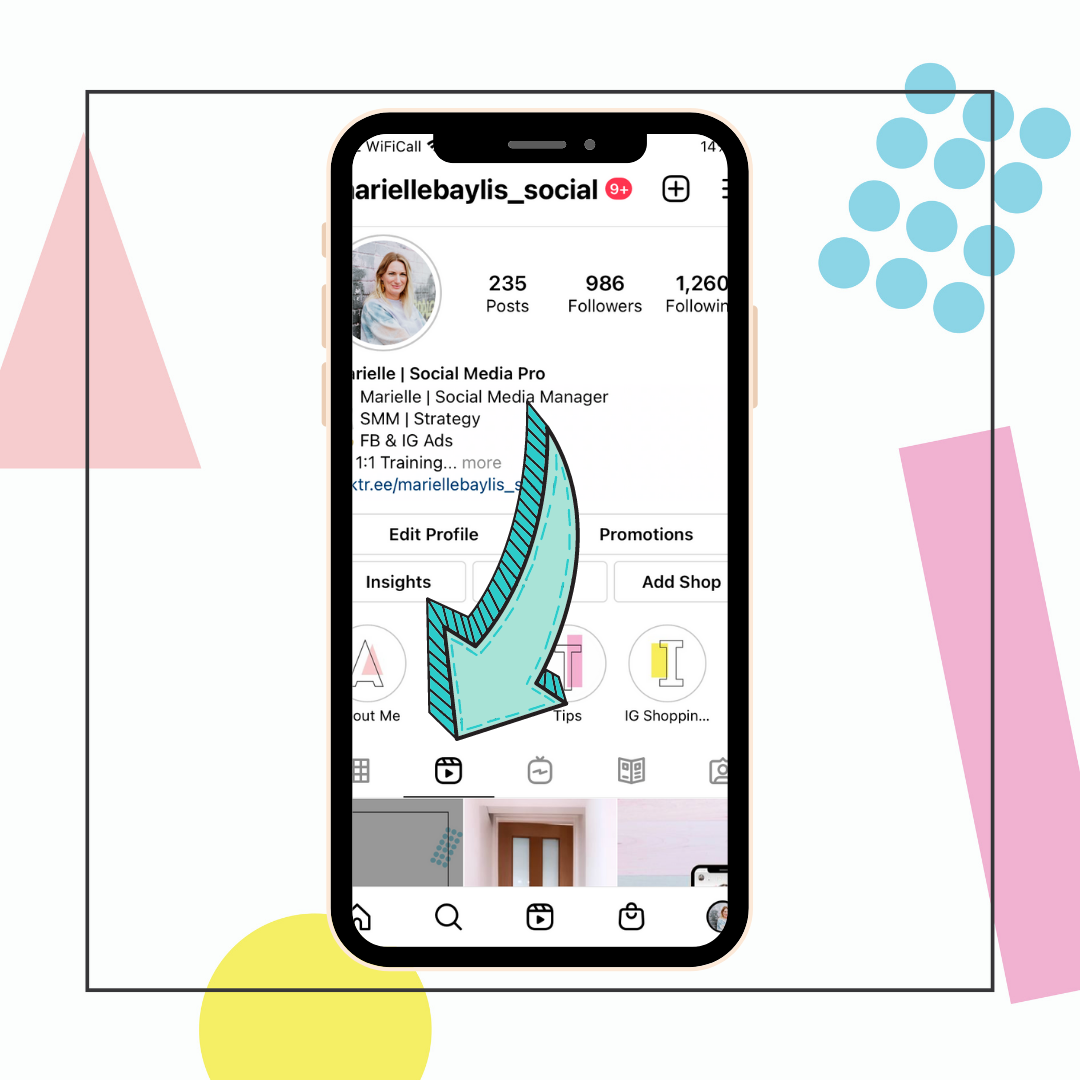
Once published, reels can be found on your profile on the reels tab.
Should You Post Reels?
Firstly, reels allow users to be highly creative, entertaining and informative in short clips. Reels can be a highly shareable content format.
When a reel is shared to a users feed and explore page it has the potential to be seen by not just your followers but ALL Instagram users. So if you want to reach new people this is a really good method. Some users reach, visibility and popularity has sky-rocketed since incorporating the reels format into their strategy.
It definitely depends on your businesses specific goals and objectives. But if you think short form video content will resonate with your audience, then why not give it a go? What’s the worst that can happen?
When starting out with reels, try posting 1 reel per week and monitor their performance.
Reels Best Practise
So how do you make a reel? Where do you start?
Here are a few key points to think about when planning your reels:
They should be:
🎥 Simple - don’t over complicate things.
🎥 Entertaining - entertain your audience with short, sharp, funny clips.
🎥 Informative - Use them to inform your audience. How can your business help them?
🎥 Fun - Keep it quick and bring up to 15-30 seconds of joy.
🎥 Twist - Can you give them a surprising and unexpected ending?
Here are a few pointers from Instagram themselves on the Dos & Dont’s of Reels
Reels Dos - Key Points
Do inspire creation.
Do share original & authentic content, created with the Instagram reels camera.
Do use the Instagram music library and audio tools.
Do stay relevant with cultural movements and topics.
Do have a WOW or LOL factor.
Do pull in the viewer quickly - the more intriguing the better.
Do have a fun surprise or twist for your audience.
Do follow Instagram Community Guidelines.
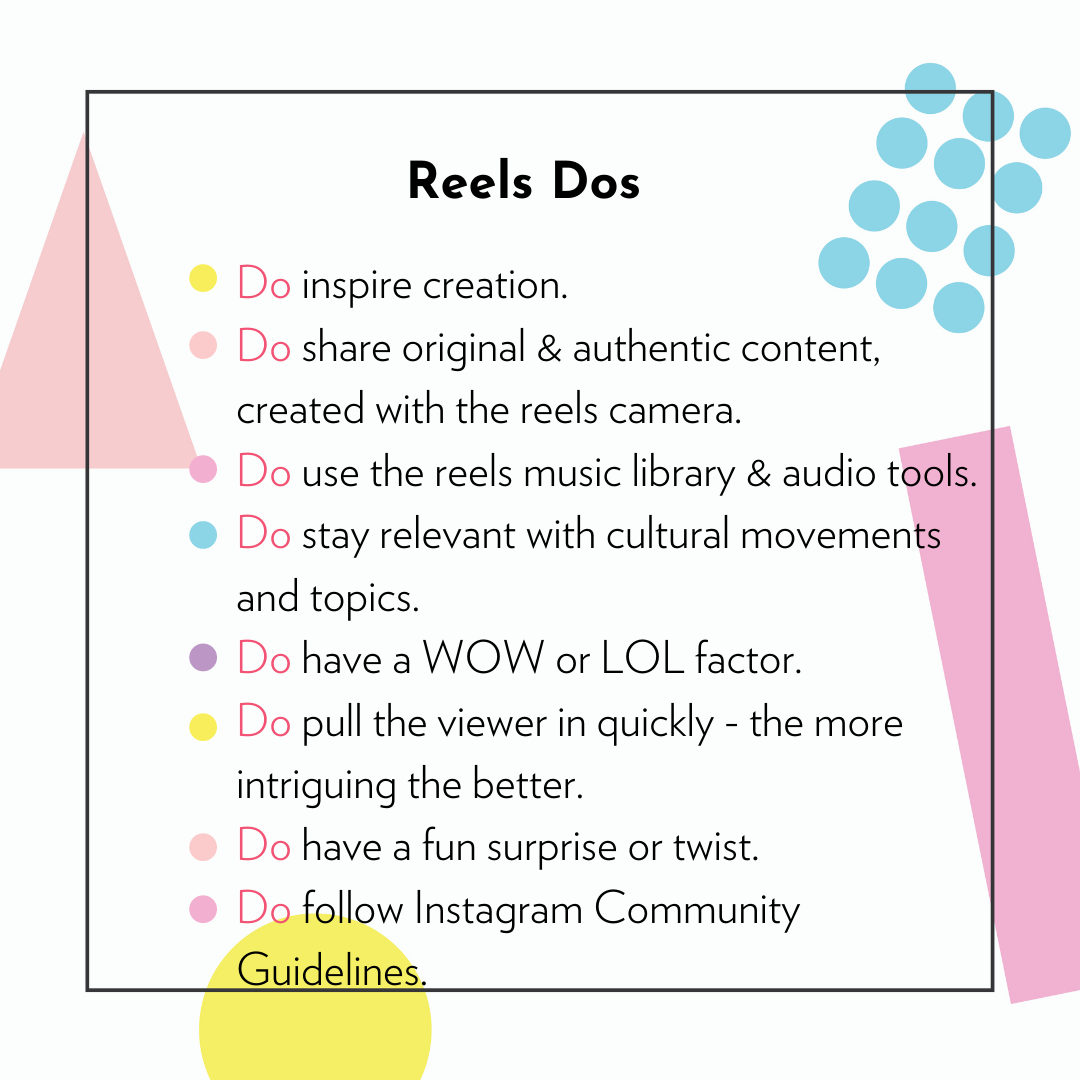
The Dos of Instagram reels
Reels Donts - Key Points
Don’t add music that’s not from the Instagram library unless you have obtained the appropriate license.
Don’t use ‘dated’ references
Don’t lack a storyline
Don’t repurpose any watermarked content ie TikTok video content
Don’t create content that goes against Instagram Community Guidelines.
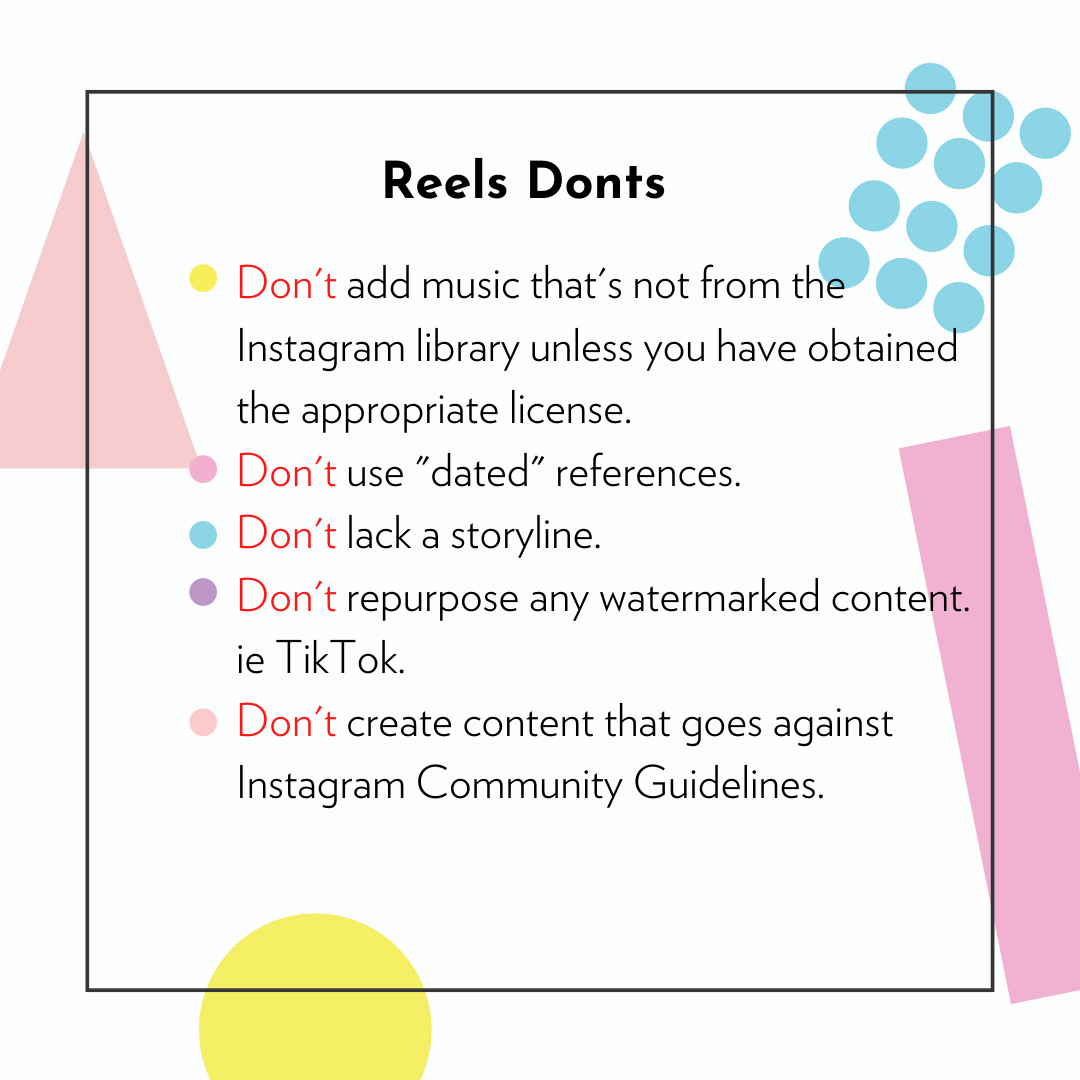
The Donts of Instagram reels
Reels Creation
If you would like to know more about Reels basics learn how to create engaging Reels quickly and simply to promote your business, take a look at my social media services page or the courses & workshops.
Reel Ideas
Struggling with reel ideas - here are a few.
Introduce yourself & your business.
Behind the scenes - show a day in the life at your business.
Give a useful tip that will be helpful to your audience.
Show how a product is made or packaged.
Show a before and after - show what your business does extremely well.
Introduce your best sellers.
A quick tutorial on how to use or style a product/outfit.
Give a sneak peek of something new.
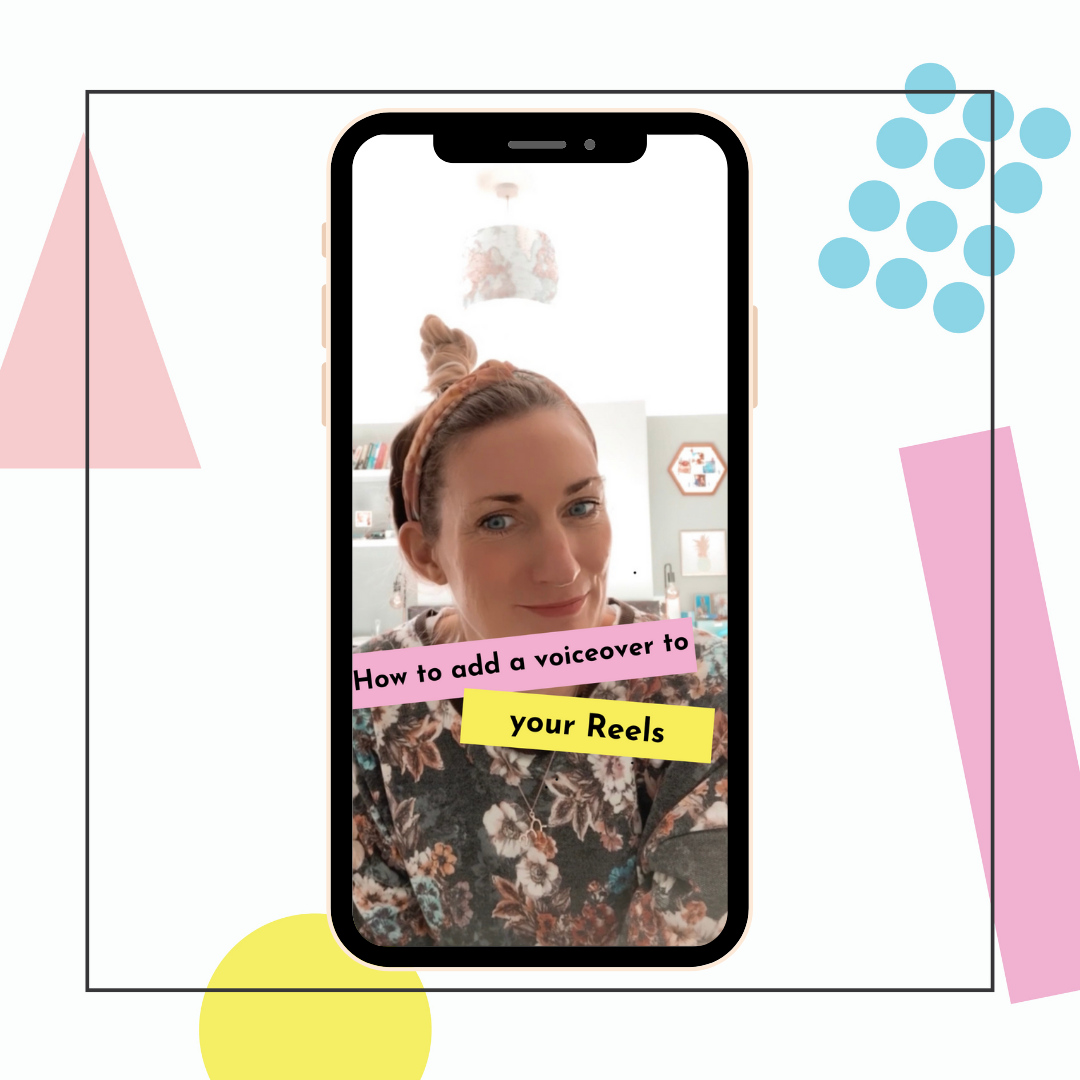
Use reels to deliver a top tip to your audience.
How To Post Your Reel
Once you have made your reel and you are happy with it the next steps are:
Write your caption
Add your hashtags - you can use up to 30
If you’re not ready to post it yet simply save it to drafts so it’s there when you need it.
OR post it straight away to reels - this video may appear in the reels explore page and will be added to the reels tab of your profile.
Choose to share to your feed (recommended) using the toggle on the Share page.
Share it to Facebook page by switching the ‘Share to Facebook’ toggle on
Once you have shared your reel, you could then share it further to your stories using the paper aeroplane icon underneath the post.
Measurement
Under each of the posts on your grid, including reels, you will see ‘View Insights’ written in blue (see below image)
In Reels insights you will see a range of different data including:
Plays, likes, comments and saves
Combined Instagram and Facebook plays and reactions
Accounts reached - followers and non-followers
Facebook only - plays and reactions
Use this data to work determine what type of Reels content is engaging your audience the most? Which are gaining the most reach? Use this information to inform your future Reels strategy.

Reels insights can be seen when you tap this blue ‘View Insights’ link
I hope this has helped you understand reels a bit more and inspired to you give them a whirl.
Good luck & I look forward to seeing your creations!
Marielle xx