
You Can Now Add Text to Posts Within Instagram
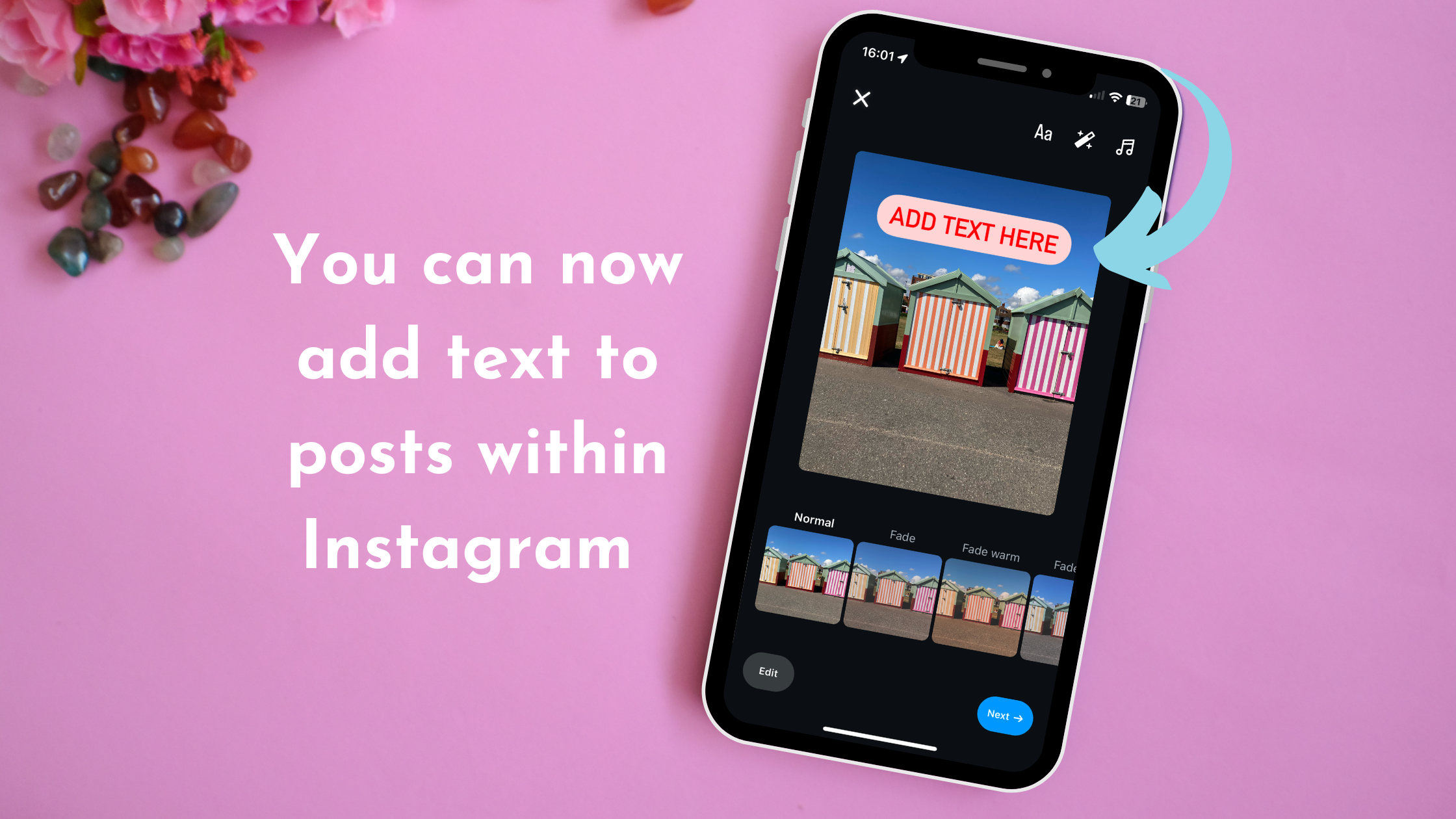
Instagram now allows you to add text overlays on image & carousel posts within the app!
This is a fabulous update that will save users a lot of time. Ultimately you can now add text overlays onto your images within the app rather than doing this step in Canva 🙌!
How to do it:
▪️ Upload your image
▪️ Tap the 'A' (text) icon
▪️ Write your copy and choose the font just as you would in stories
▪️ Place it where you want on the image
▪️ Done 🤩
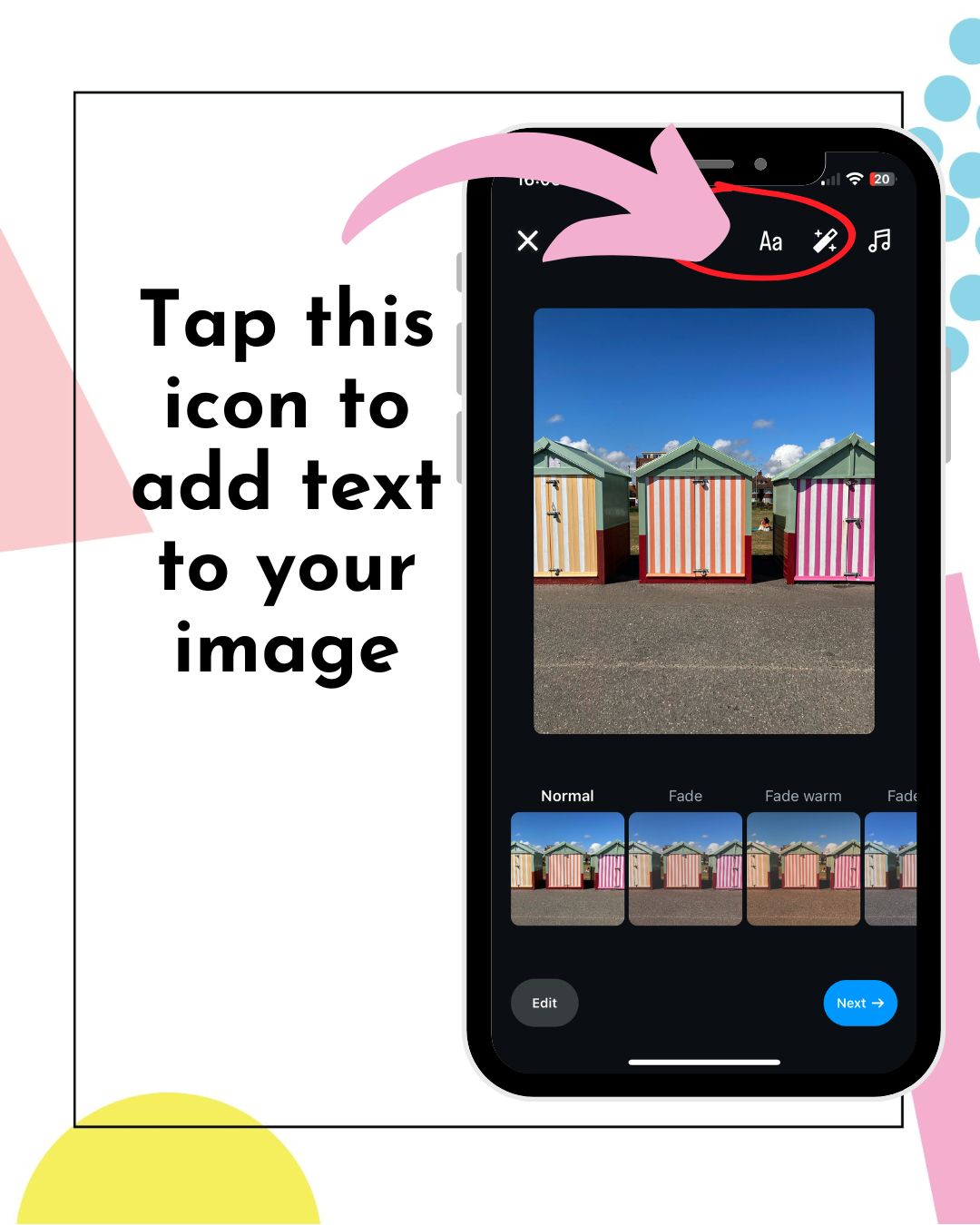
Step 1 - Tap the ‘A’ button to add text to your image

Step 2- Type out your copy using the keyboard
Use this feature for:
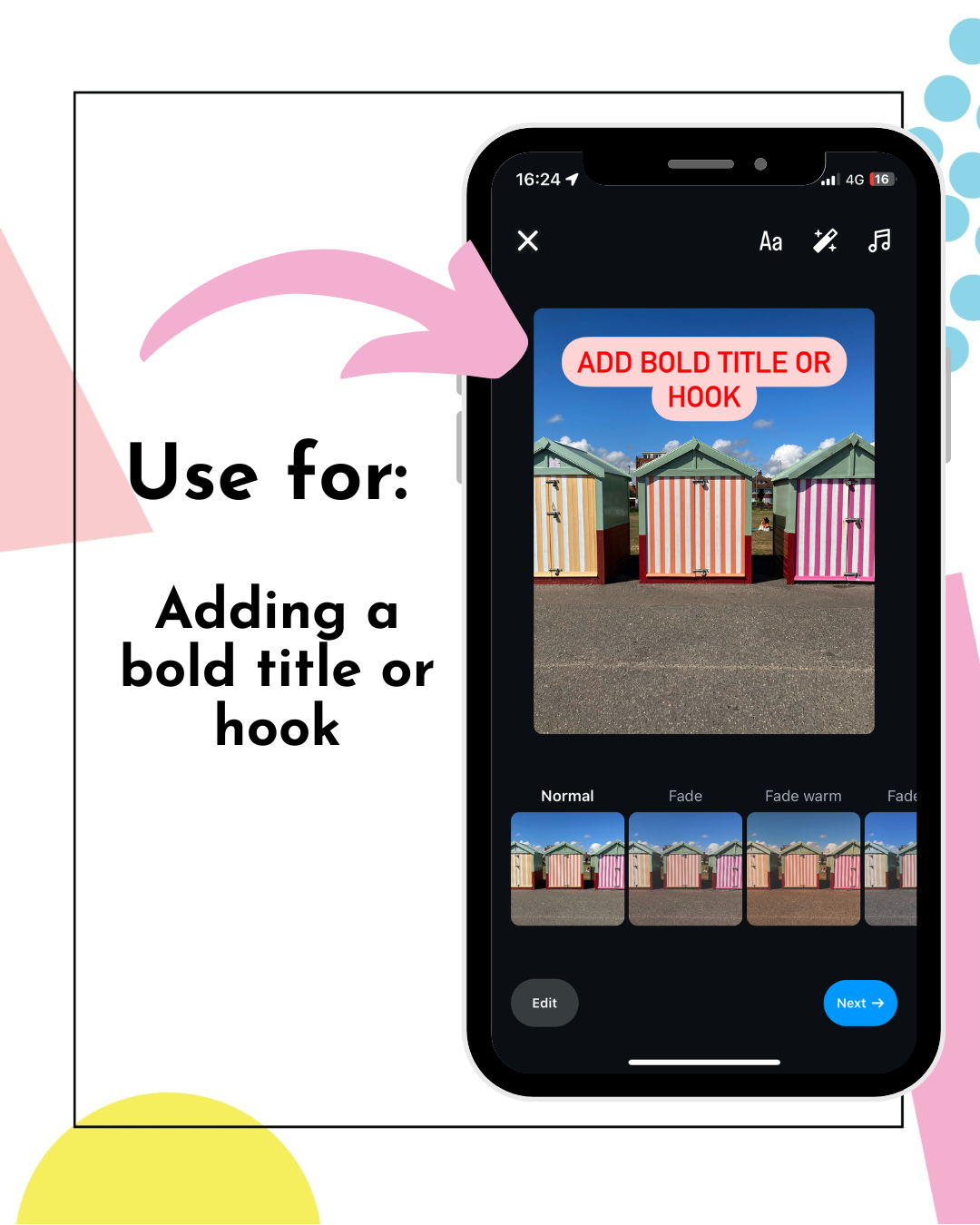
▪️ Adding bold titles or hooks
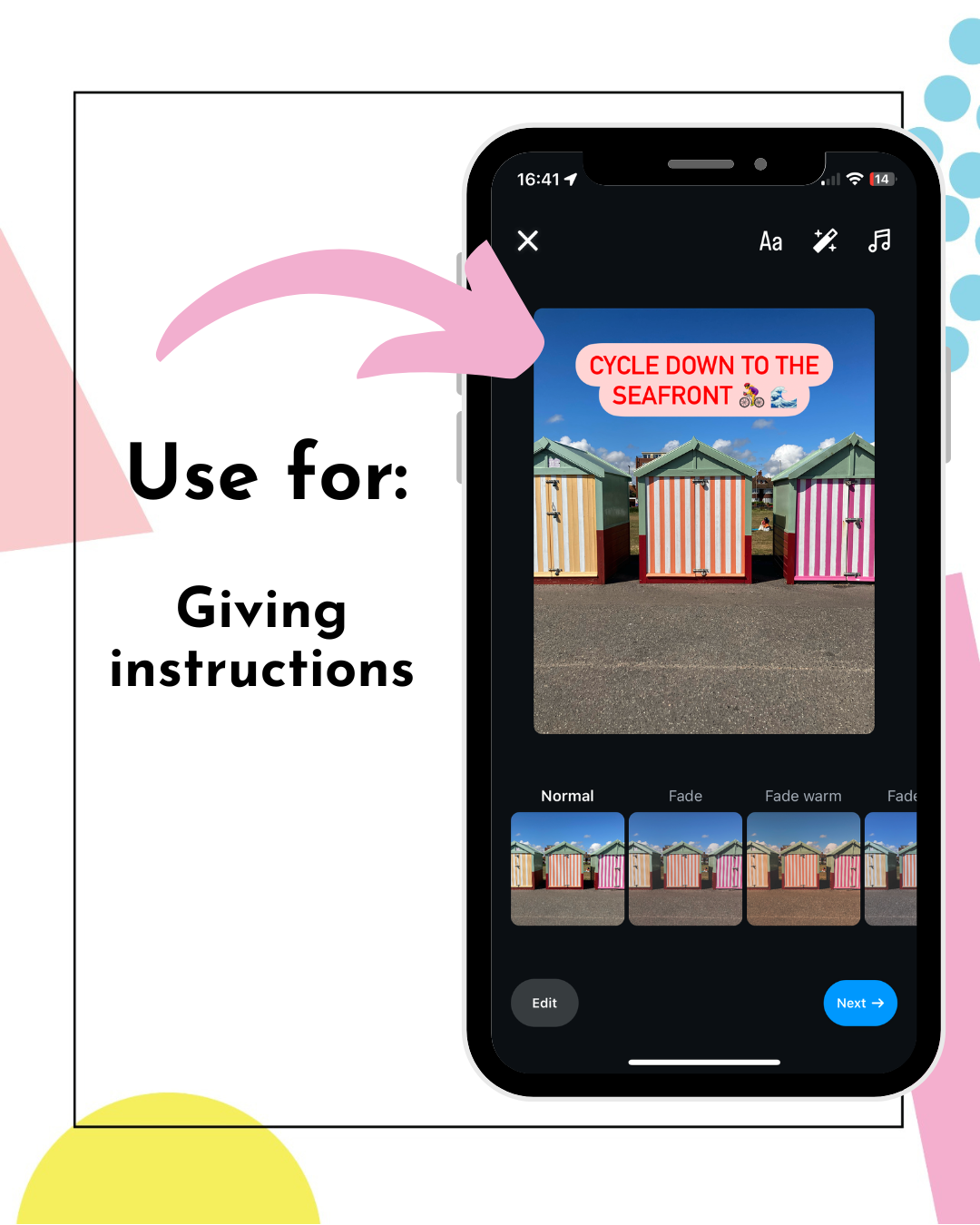
▪️ How-to's / instructions
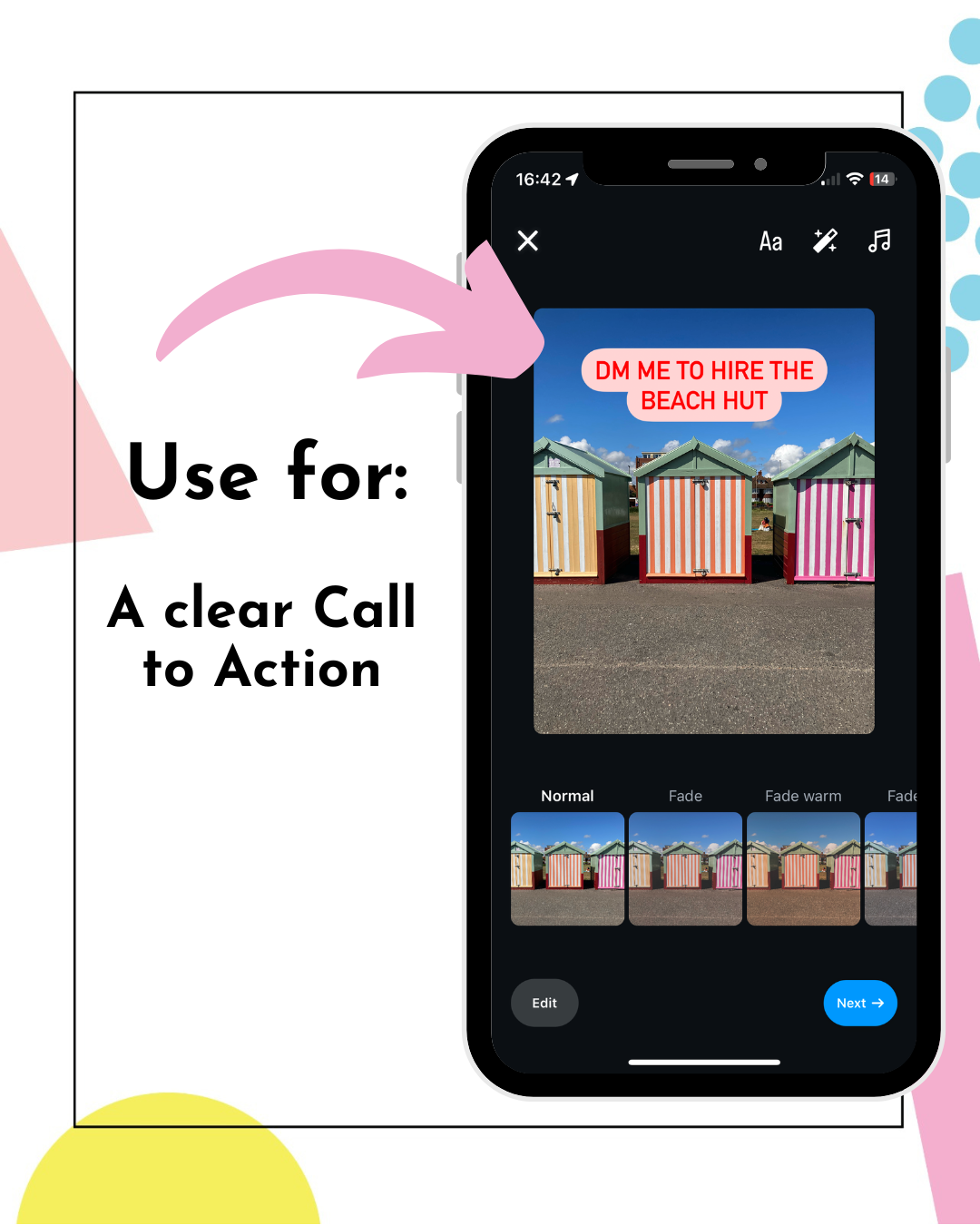
▪️ Adding a clear Call to Action
It’s such a simple update, it's a wonder it wasn't launched ages ago.
I think this is a real winner for creating quick, strategic content on the go!
Let me know if you like the sound of this one and share it with anyone you think would love it too.
Marielle xx