
Introducing The New Instagram Repost Feature (And Why Creators Should Love It)
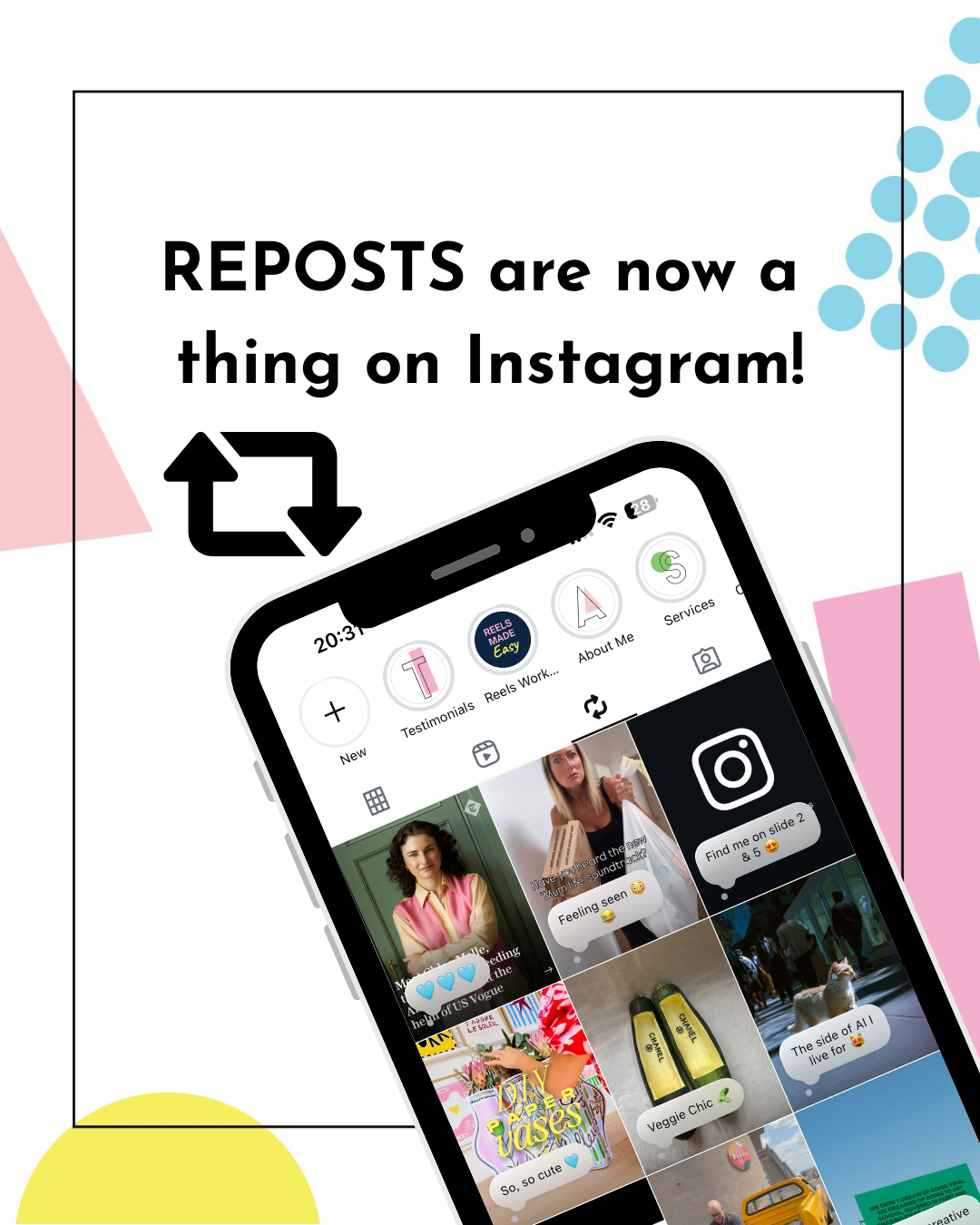
Instagram has officially rolled out a brand-new Repost feature and it’s a total game changer for creators.
Up until now, the only way to share someone else’s content was through Stories. But with Reposts, you can now share public Reels and Feed posts directly to your own feed. It’s like giving your followers a direct line to the content, creators, and vibes you want to highlight.
And here’s the best part: your own content can be reposted too. That means more opportunities for your ideas, tips, and posts to travel further, without you lifting a finger.
How Reposts Work
Here’s a quick breakdown of how to use the new feature:
Step 1: How to share a Repost
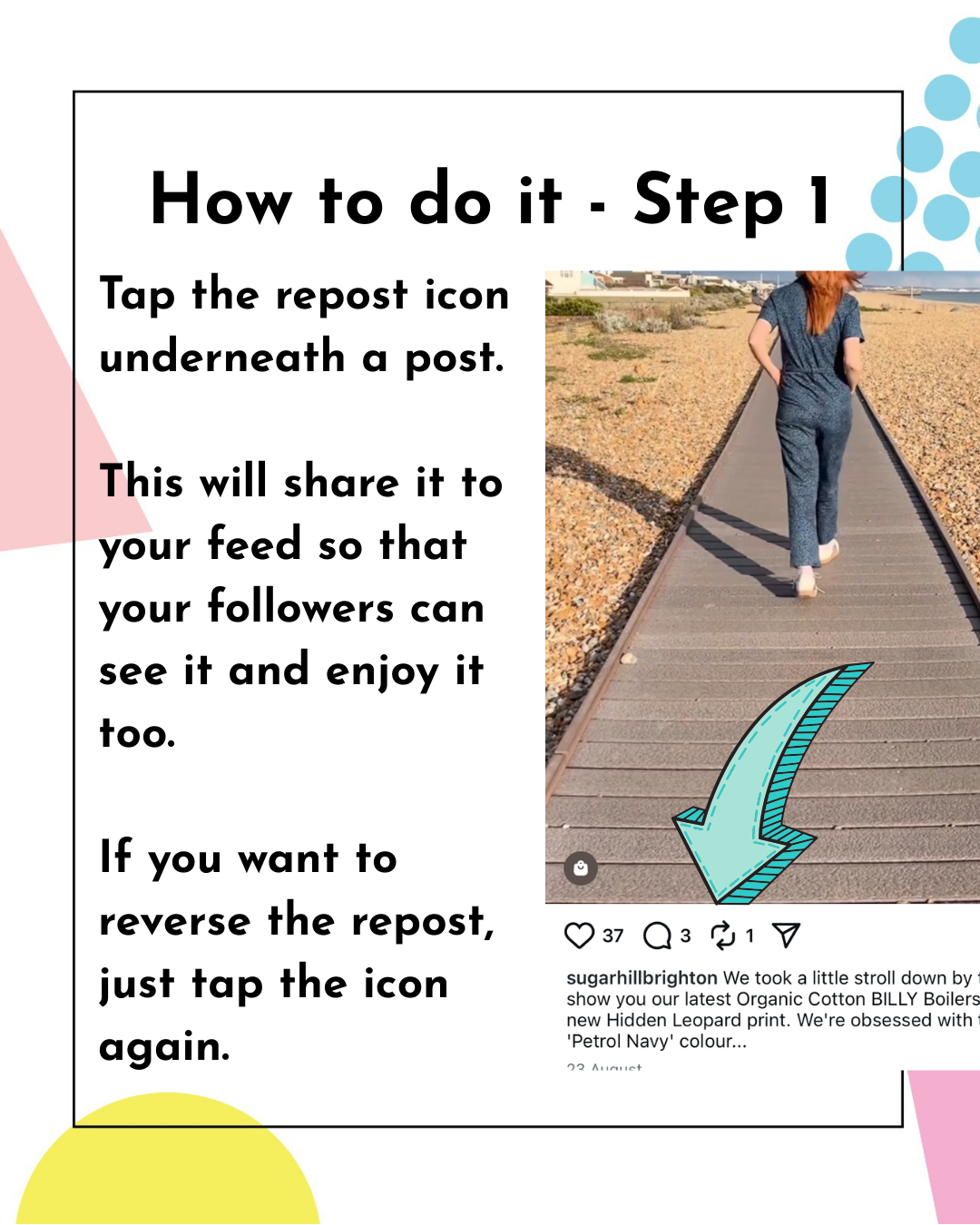
Tap the Repost 🔁 icon underneath any public post.
It will appear on your feed for your followers to see and enjoy.
Changed your mind? Just tap the icon again to undo.
Step 2: Add context
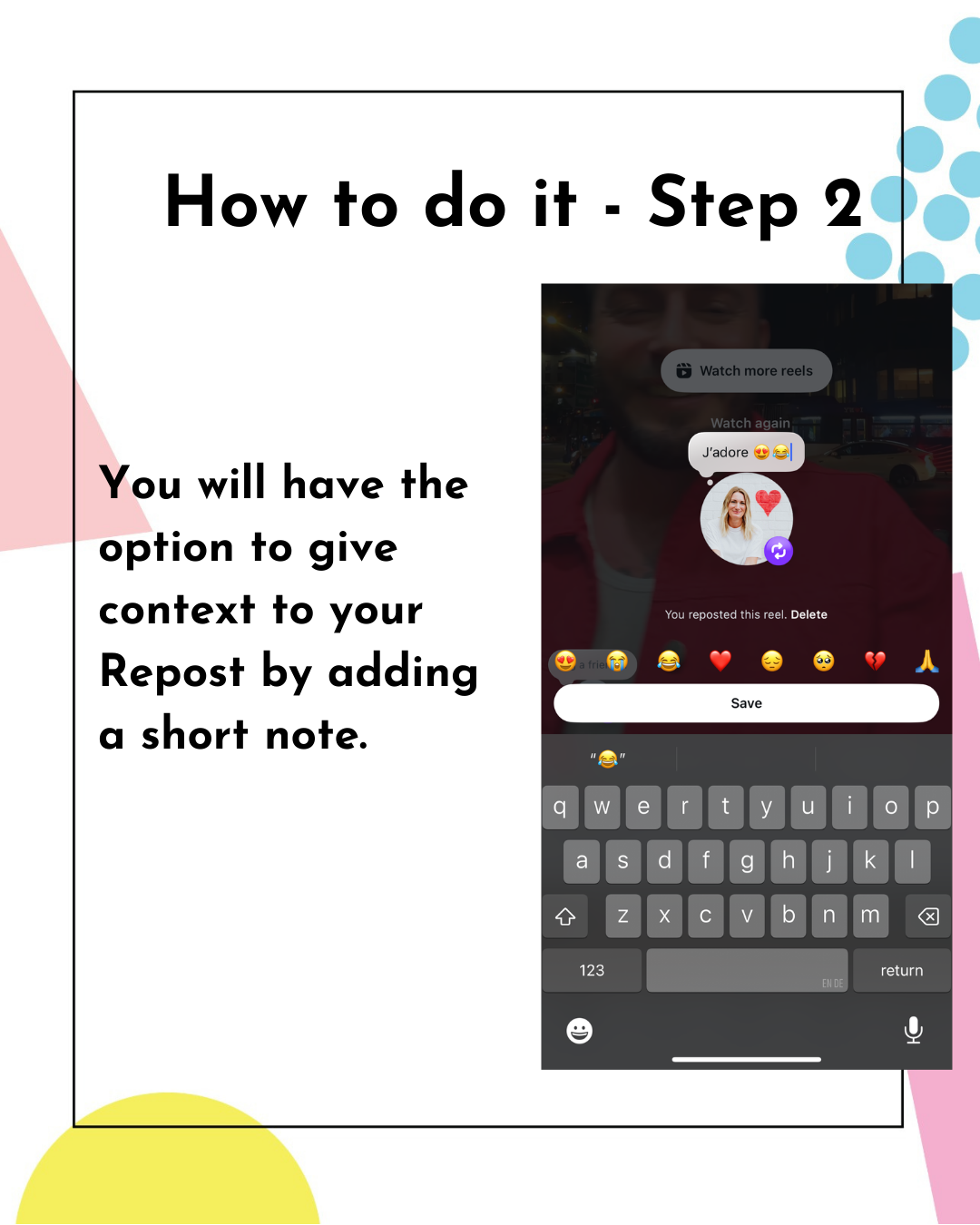
You’ll have the option to include a short note with your Repost.
This is your chance to give context, add personality, or explain why you’re sharing it.
Note: You have limited characters, so it will need to be quite concise.
Step 3: Where to find your Reposts
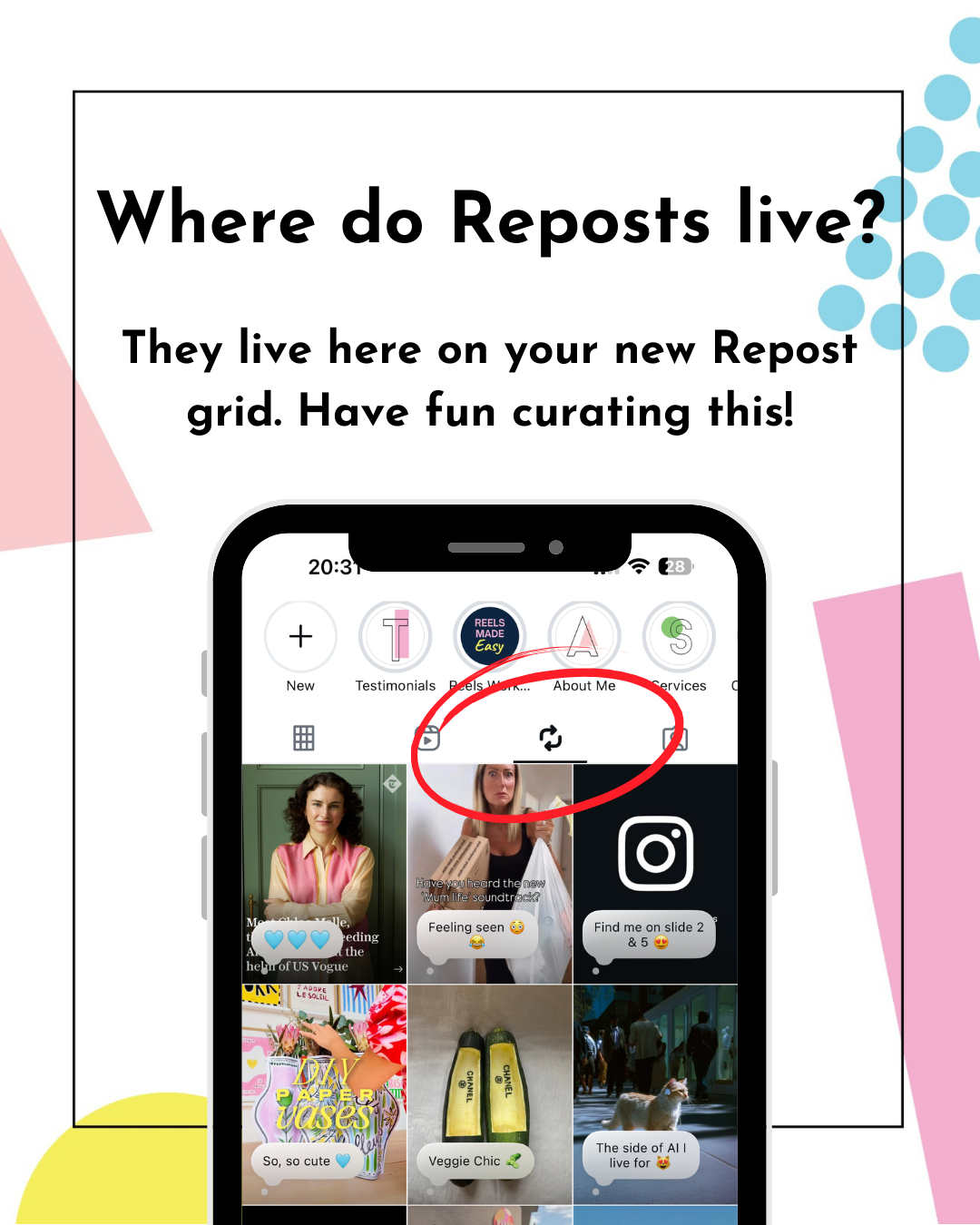
All your Reposts live on a dedicated Repost grid in your profile.
Think of it as your personal library of favorite content. No need to obsess over aesthetics — this grid is about curation, not perfection.
Who Benefits from the Engagement?
One of the best aspects of this feature is that all engagement goes back to the original creator.
So when you repost someone else’s content, they benefit from the extra likes, comments, and reach.
That means:
You get to share valuable, fun, or inspiring content with your followers.
Other creators can Repost your content
The original creator gets the growth boost.
Everybody wins.
Why This Feature Is Fabulous
The Repost feature is an incredible way to:
Reach new audiences who haven’t discovered you yet
Create bonds with other creators by amplifying their work
Share a mix of content that reflects your personality and expertise
Want your content to be reposted by others? Focus on creating shareable posts - things people genuinely want to pass along. For example:
Quick tips or tutorials
Helpful resources
Spicy opinions
Relatable humour or lighthearted moments
Things you love ❤️
If it’s something your audience would be proud (or excited) to share, you’re on the right track.
Final Thoughts
The Repost feature is more than just a shiny new button. It’s a chance to:
Amplify voices you care about
Build deeper connections with your community
Get your own content in front of fresh audiences
So go ahead, start experimenting with Reposts and see how they fit into your Instagram strategy. And remember: your Repost grid doesn’t have to look like a masterpiece. It’s a reflection of what inspires you, helps you, and makes you smile.
✉️ Want the latest Instagram features and updates delivered straight to your inbox?
Sign up for my newsletter here — so you’re always the first to know what’s new and how to use it.
Marielle x