
You can now re-share an Instagram Story to your own Story - EVEN if you’re not tagged!

Instagram has rolled out a story update that has the potential for your account to get a lot more reach and visibility!
You can now re-share any public Instagram Story, even if you haven’t been tagged..
It’s a pretty cool feature - so let’s take a look at what this update means and how it works…
What Is the Instagram Story Re-Share Feature?
Prior to this update, you could only re-share someone’s Story if they had tagged you in it.
Now, If someone has a public profile and their settings allow, you can share any of their Stories to YOUR story — even if you weren’t tagged.
This has the potential for your story content to be shared far and wide across the Instagram platform if other accounts decide to share your stories with their followers. These could be followers or non-followers.
How to Re-Share a Public Instagram Story
If you want to re-share a Story from a public account, here’s how to do its:
Tap on a Story from a public account
Tap the paper aeroplane icon found in the bottom right of the story
Select the “Add to Story” icon
This will take you to the story creation interface
You can customise the story with text and stickers etc if you wish to give more context (optional)
Share it to your own Story, just as you usually would
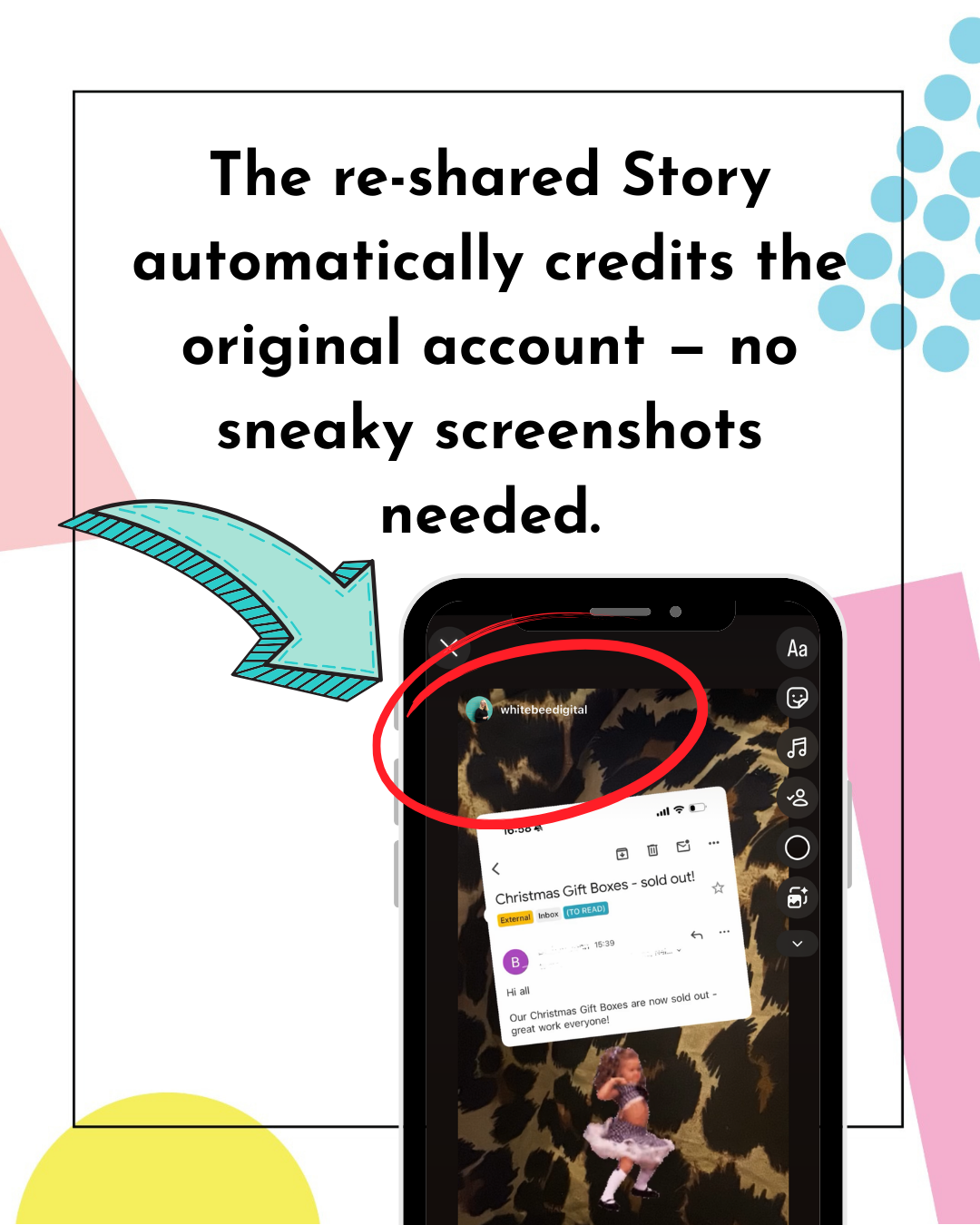
Instagram automatically credits the original creator, so their username is visible and tappable.
No screenshots required and extra work required which makes it a much cleaner sharing process.
Why This Update Is Great for Additional Reach
From a marketing point of view, this update is super powerful.
Here’s why:
Stories are watched by your warmest audience so have a really good chance of being shared by this group
Shared Stories expose your content to new audiences instantly
Re-sharing content is low effort, which means people are more likely to do it
So…
If your content is useful, relatable or entertaining, it now has more opportunities to be shared beyond your own audience.
This makes shareable content more important than ever.
Benefits of the Story Re-Share Update
▪️ More organic reach - Your content can now be shared to other people’s Stories, exposing your brand to entirely new audiences without the need for paid ads.
▪️ You’re credited - The original creator is automatically credited, helping with increased visibility and profile clicks.
▪️ Easier content curation - Offers a quick and easy to share helpful, inspiring or relevant content with your audience without recreating it from scratch.
▪️Great for community building - it encourages new conversations, possible collaborations and community growth which will be particularly useful for small businesses.
Things to Check and Be Aware Of
However, like with any update, it’s useful to check and be aware of the following, too:
▪️ If your story settings allow everyone to share stories, once you post a story publicly, you lose a bit of control
▪️ Be prepared that anyone can reshare your Story
▪️ Links included in the original story do not carry over into the shared story, but if the story is tapped, it will direct back to the original creator’s story.
▪️ If your content is a mix of business and personal, you may want to be a bit more selective about your settings so they align well with your account and wishes.
You are in control of the settings of this feature so it’s a good idea to check your current settings and amend accordingly.
How to Check and Change Your Settings
Here’s how to check or change your settings:
📱 Go your Instagram Profile
📱 Tap the Menu (3 lines in the top right-hand corner) to enter the Settings & Activity Menu
📱 Scroll down to > Sharing & Reuse > Allow people to share your stories > Toggle On or Off
📱 Stories to Stories > choose your level of privacy
📱Choose from: Everyone, Followers that follow you back, or Off

Should You Turn Story Re-Sharing On?
There’s no one-size-fits-all answer, but here’s a few things to check before you decide:
You might want it ON if:
You’re actively trying to grow your audience
You create educational, inspirational or shareable content
You want more visibility without relying on ads
Your Stories are primarily business-focused
You might want to limit or turn it OFF if:
You share a lot of personal content
You want tighter control over your brand
You can always test it and change your settings later on if it’s not working for you and your business.
Why This Update Reinforces a Bigger Trend
This new update shows us that shareable content should definitely be part of our content strategy for 2026.
Creating content that our followers WANT to share is going to help us expand our reach and discoverability with new audiences.
So this year, when you’re creating content, think ‘Would someone want to share this?’ Rather than just, ‘Does this look good on my grid?’
Conclusion
Instagram’s Story re-share update will be a brilliant tool for gaining additional visibility.
For most businesses, this will be a goal for the social media channels, so it’s certainly a feature to consider as part of your ongoing Instagram strategy. Because when your content travels further, your business does too.
You have the power to change your settings at any point, so you are in control of the content you are publishing.
The best thing to do is test it out and see if having it switched on works for you & your business.
Good luck!
Marielle xx
If you found this blog useful, you will probably love the Instagram tips, tricks and update news I share on my Instagram account. Head over and follow me. I look forward to seeing you there.